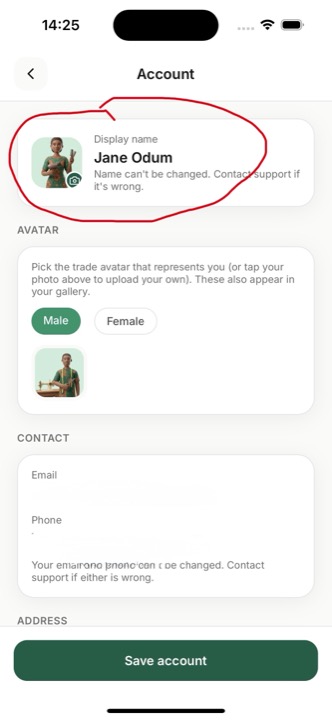
Add a clear profile photo
Tap Account, then tap the round photo at the top and upload a clean, well-lit headshot. No photo? Pick the trade avatar that matches your work. This is the first thing customers see.
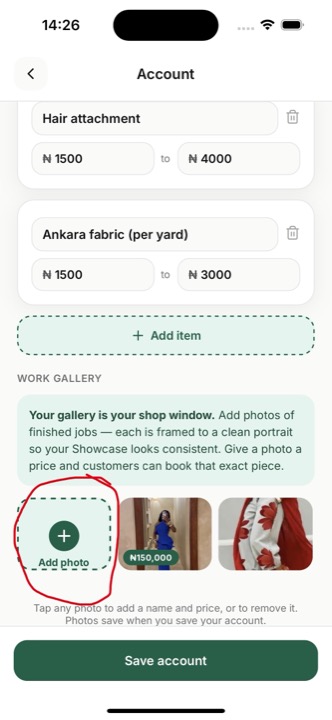
Fill your Work gallery
Account → Work gallery → Add photo. Add photos of real, finished jobs, and each is framed to a clean portrait automatically. A full gallery is your shop window and wins you the most bookings.
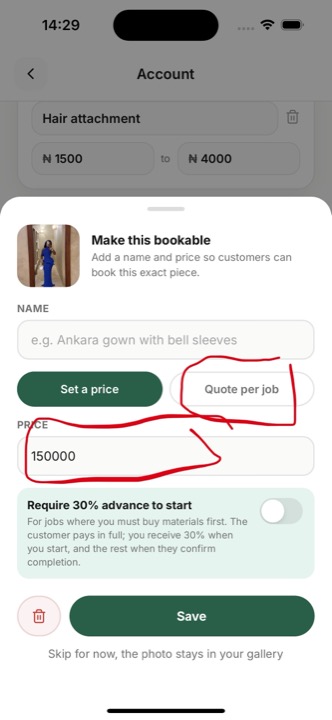
Make a photo bookable
In your Work gallery, tap any photo to open the “Make this bookable” sheet. Add a name and set a price so customers can book that exact piece, or choose “Quote per job”. This turns your gallery into a shop where people buy directly.
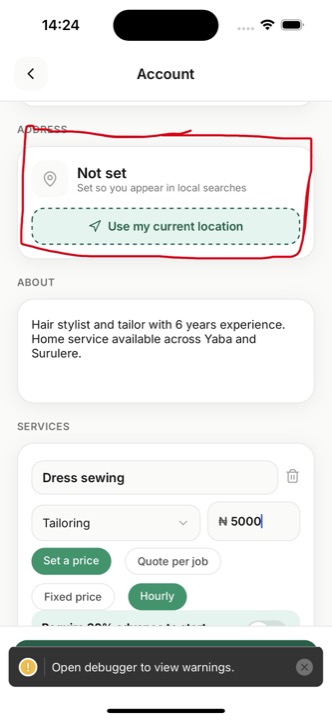
Set your location
Account → Address → “Use my current location”. Don’t skip this. If your location isn’t set you won’t appear in “near you” searches or the local Showcase, and customers can’t find you.
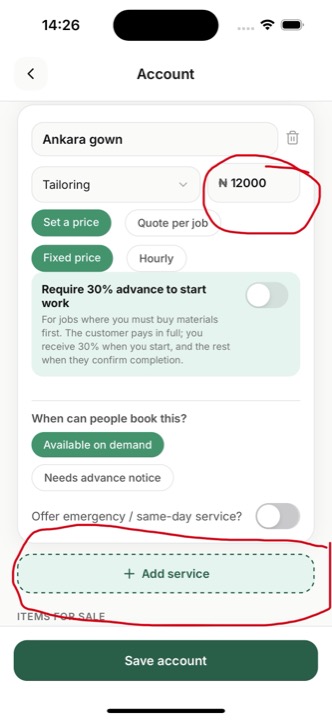
List your services and prices
Account → add each service you offer and set a price, or mark it “Quote per job”. A ₦0 service can’t be booked, so always set a price or a quote. Accurate prices mean fewer back-and-forth messages.
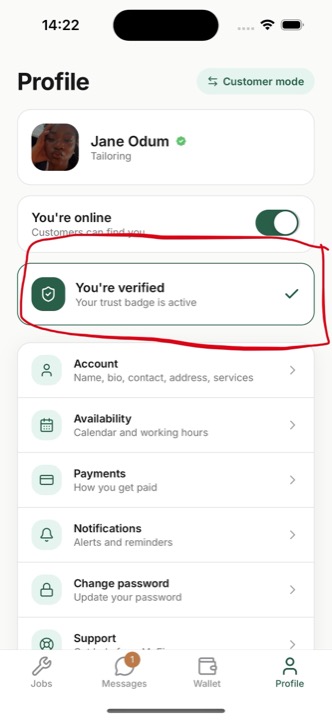
Verify your identity
On your Profile, tap the verification card and complete “Verify your identity”. Verified artisans get the green badge, rank higher in search and Showcase, and can require a 30% advance for material-heavy jobs. It builds trust and wins more work.
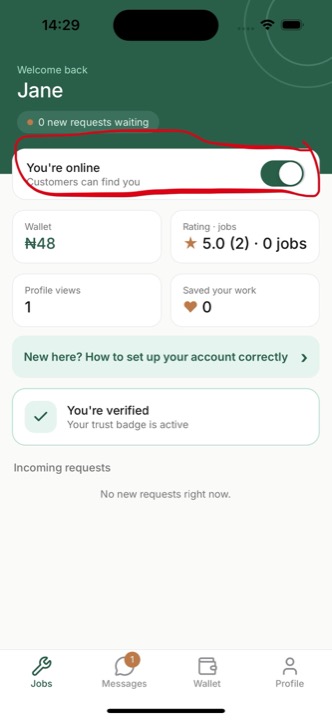
Go online
On your Dashboard, turn the toggle to “You’re online”. While offline you’re hidden from search. Go online whenever you’re available for work.